One iPhone, two numbers, too many calendars
I carry a work number and a personal number on the same phone, keep my previous iPhone busy on a shelf, and share a calendar with three people who each believe they run it. This is where I write down what actually worked.
What is in the notebook
Three things I wish I had known on day one
Name the lines before you do anything else
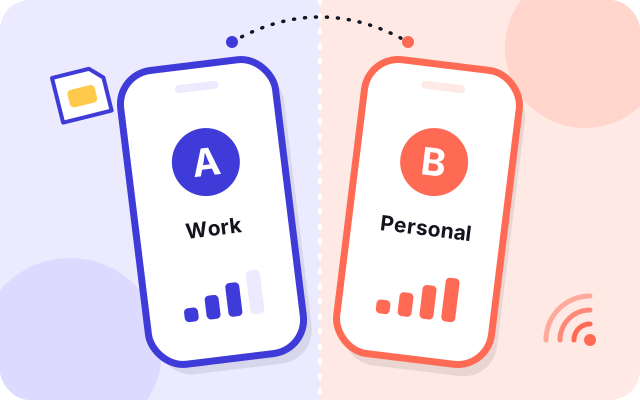
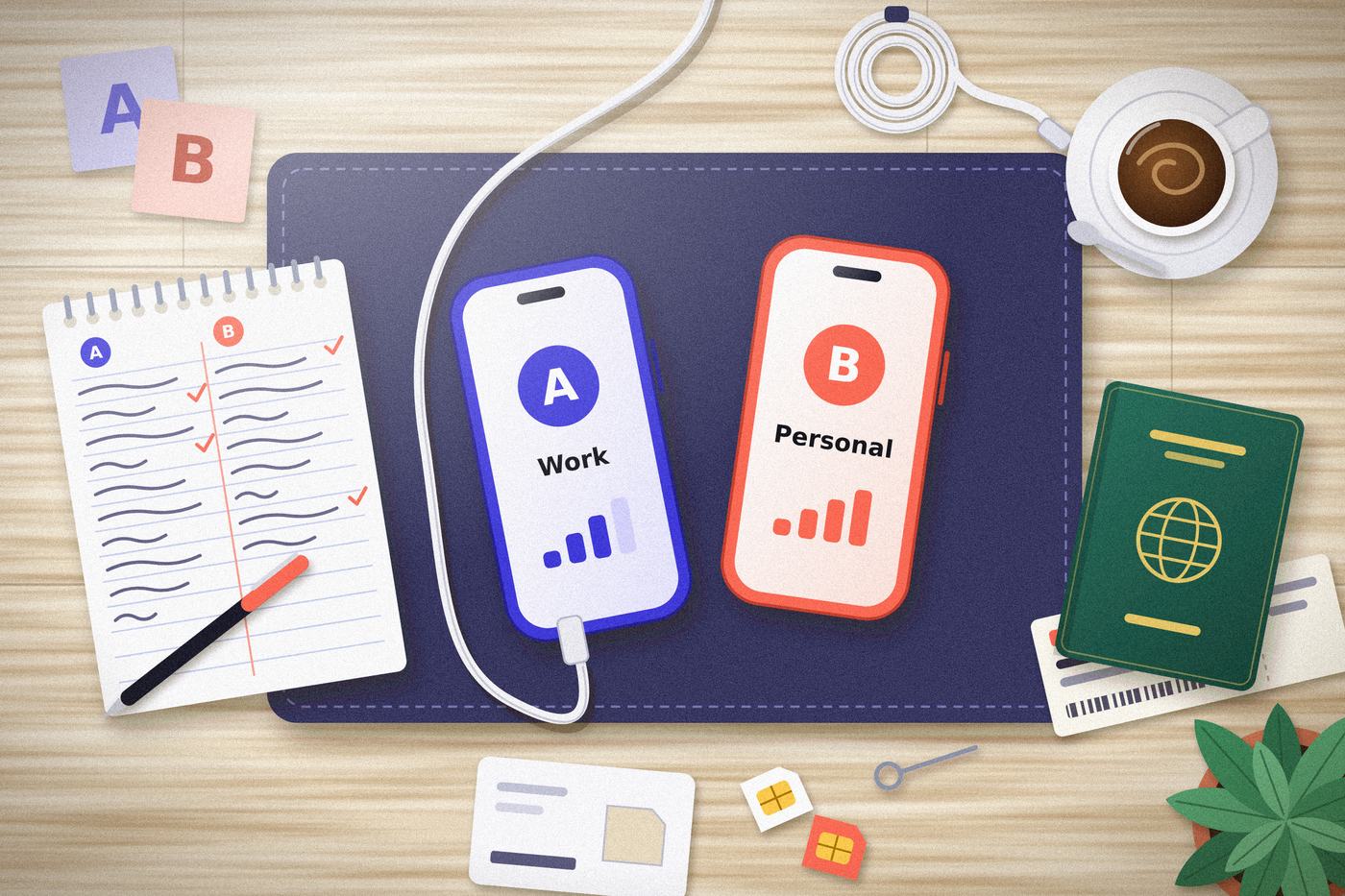
The phone will offer to call them Primary and Secondary. Two weeks later you will not remember which is which. Mine are Work and Personal, and a tiny letter badge follows them around everywhere a line can be chosen.
Decide which line carries data, then stop thinking about it
Both lines can ring. Only one of them moves data at any given moment. Pick the one with the allowance you trust, and leave the automatic switching off until you understand what it would cost you.
A second device is only a backup if it is charged and signed in
My old phone saved a morning once, because it was sitting on the shelf at sixty per cent with my account on it. The one before that sat in a drawer, flat, and was no use to anyone.
Latest scribbles
- Rewrote the travel page after a week away with the home line on calls only.
- The autumn iOS release moved switches again, so the two-lines page now says what a setting does, not where it lives.
- Added the “who sees what” map to the family page, after an argument about a shared album.
- New checklists.
- Started the glossary.
- First note: label the lines. Everything else grew from there.
Who writes this
One person with two numbers, a hand-me-down habit and a family group of four. I have no inside knowledge: I test things on my own devices and correct the page when a new release proves me wrong.
This notebook is unofficial. It is not made, sponsored or checked by Apple, and when it disagrees with the manual, believe the manual.