Start here, finish there
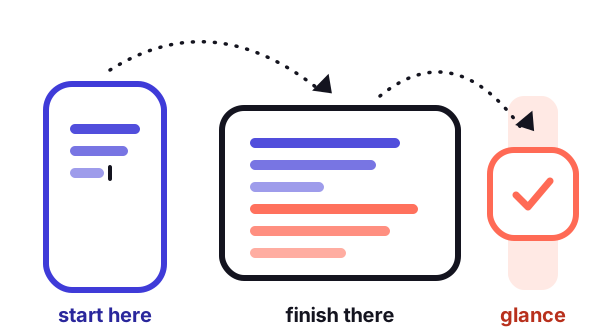
The quiet pleasure of owning more than one device: the thing you began on the small screen is waiting on the big one. When it works.
The ground rules
Nearly all of it depends on the same three things: both devices signed in to the same account, Bluetooth and Wi-Fi on, and the two of them near each other. Each feature also has its own switch, and the switch has to be on at both ends.
The pairs I use every week
- Half a message, typed on the train
- A copied address or tracking code
- A photo taken a second ago
- A web page found while walking
- Pick the draft up from the dock or app switcher
- Paste it, as if it were copied there
- Drop it straight into the document
- Open the same page at the same spot
Copy here, paste there
The shared clipboard is the one I would miss most. Copy on one device, paste on the other within a minute or two. No button, no menu.
The phone’s connection, the tablet’s screen
A tablet without its own line can borrow the phone’s connection without me touching the phone. With two lines, it uses whichever one is the data line, so abroad that is the travel line.
Calls and texts on the big screen
Calls can ring on the tablet and ordinary texts can be forwarded to it. Each is a separate switch on the phone, and each lists the devices allowed to join in.
Two lines and handoff
When I place a call from the tablet, it travels through the phone, so the phone’s rules about lines apply. I was surprised once by a work call leaving from my personal number. Now, for any call where the number matters, I dial from the phone itself, where the letter badge is right under my thumb.
When it stops working
- Same account?Check both devices. A child’s tablet signed in with a child account will never hand off with your phone, and should not.
- Bluetooth and Wi-Fi on, both endsFlight mode on one device is the usual culprit. So is a tablet that joined the neighbour’s guest network.
- Restart bothDull, and it has worked more often than I would like to admit.